Ranked the best auto clipper
Podcast clip generator
Turn long podcast episodes into shareable captioned clips.
or
Ranked the best auto clipper
Turn long podcast episodes into shareable captioned clips.
Used by the top brands and creators
Upload, create an account, get a batch of captioned 1080p shorts. Starter appears after that batch is playable.
Step 1
Paste a YouTube link, upload the video file, or paste a direct video URL.
Step 2
We restore the episode and your settings on Auto Clipper after signup.
Step 3
Highlight selection, vertical framing, and burned captions - then download or refine.
Auto Clipper is one job. Same product also makes ads and cuts footage into a post. Clip this video first, then open the rest anytime.

From a site, App Store page, or packshots. Separate Search campaign from Auto Clipper.
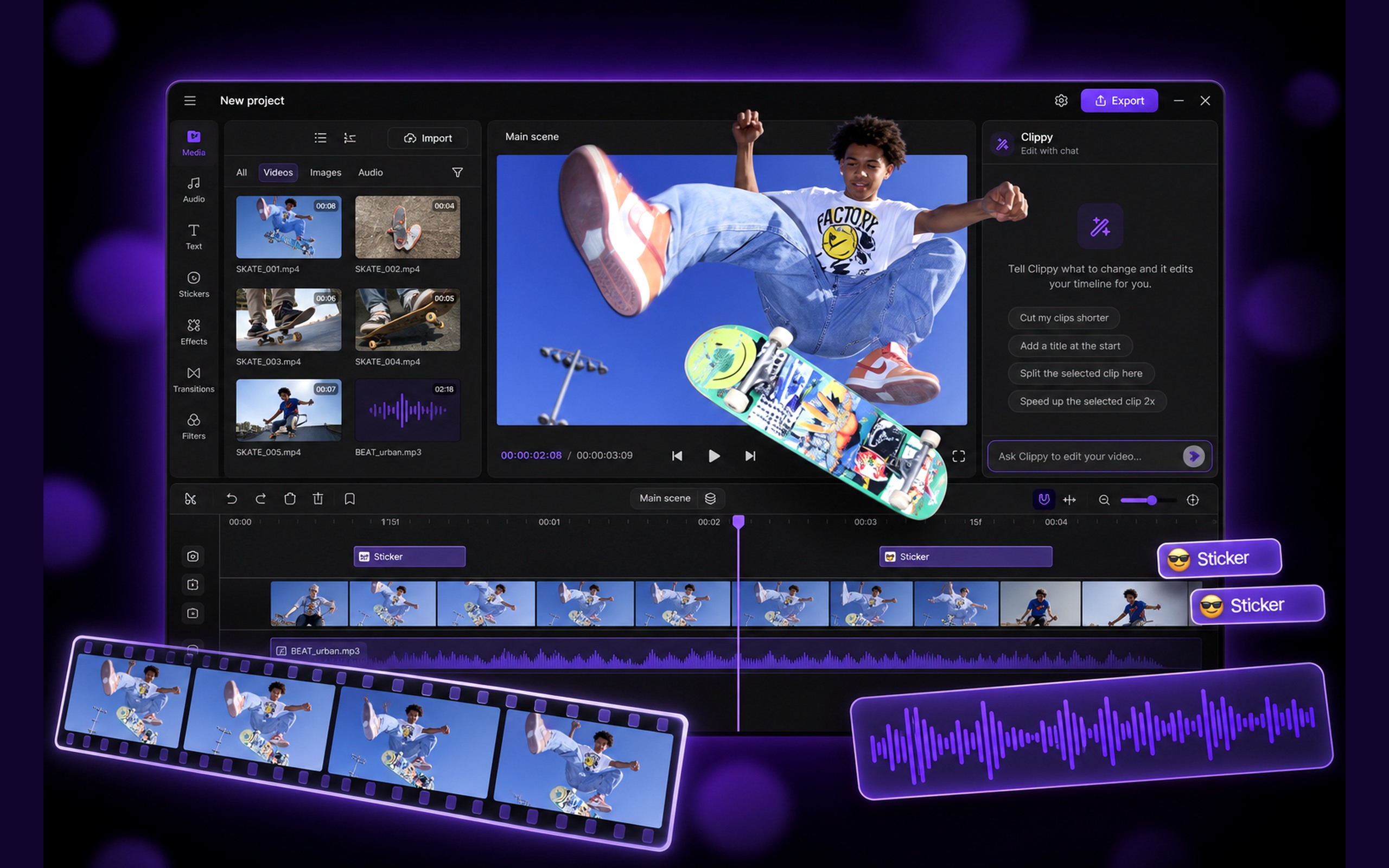
Dump clips or describe the story. One postable cut comes back.
Uses the video from above, or upload one here.
After your first clips land, you may see the Starter offer to keep cutting this video and the next ones. Failed jobs never open that offer. Credits are not charged twice for one admitted job.
Or drop a video here.
Prefer ads instead? Create AI ads.
No card. First batch includes burned captions and 1080p. Starter keeps cutting more videos each week.