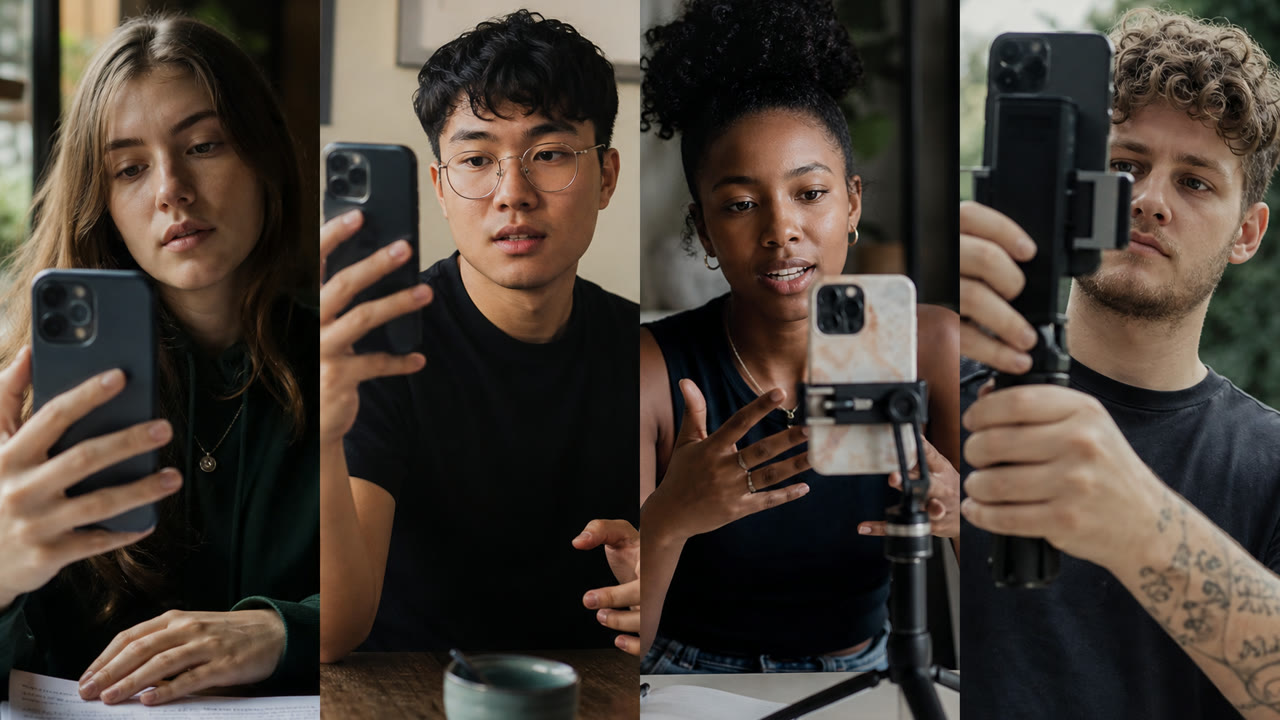
How to run ads

How to run ads without an agency: set up Meta or Google, pick one goal, upload creative that shows the real product, track one conversion, and decide whether to scale. Clippable shortens the creative step. It does not auto-spend your media budget.

No card required for your first ad. Then start a 3-day trial if you want to keep going.

Choose Meta or Google first

Meta Ads (Facebook and Instagram) suit visual offers and interest-based reach. Google Ads suit people typing the problem into Search. Start with one. Split budgets across both before you understand either and you learn nothing. For a Meta-only walkthrough, see Facebook ads for beginners.

Account, pixel, and one goal

Finish Business Manager or Google Ads account setup. Install the Meta pixel or Google tag on the page that matters. Pick a single campaign objective tied to a conversion you can see (signup, purchase, lead). Broad “awareness” campaigns are a weak first lesson for most beginners.

Creative and a destination that match

The ad and the landing page must tell the same story. Use real screenshots or product footage, not a stock lifestyle that disappears on click. Clippable can draft Meta-ready creative from screenshots - see create Meta ads from screenshots and the AI ad generator. You still upload and approve inside the ad platform.

Budget, learning, and when to stop

Cap daily spend at an amount you can afford to learn from. Give the campaign enough delivery to judge, then kill or rewrite if the page does not convert. Do not “optimize creative” on a broken offer. Scaling comes after a clear signal - not after a good feeling on day one.
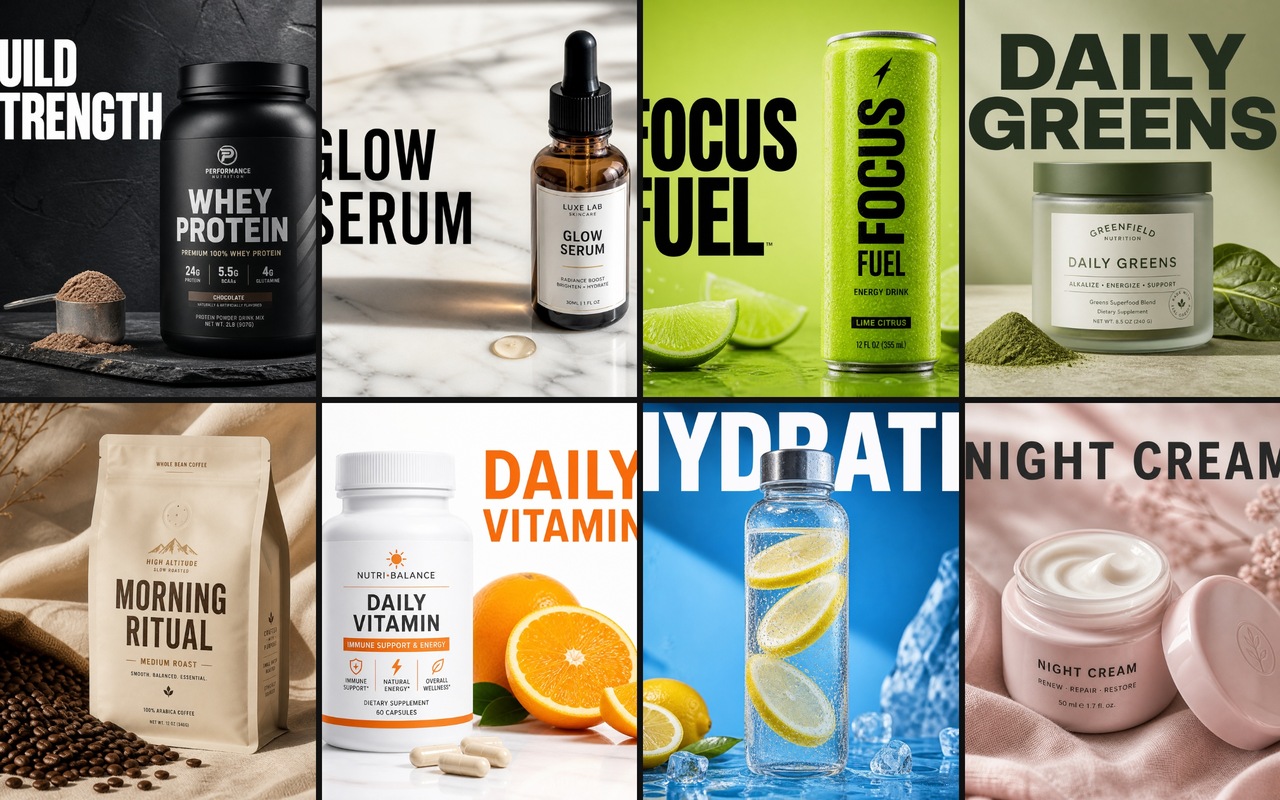
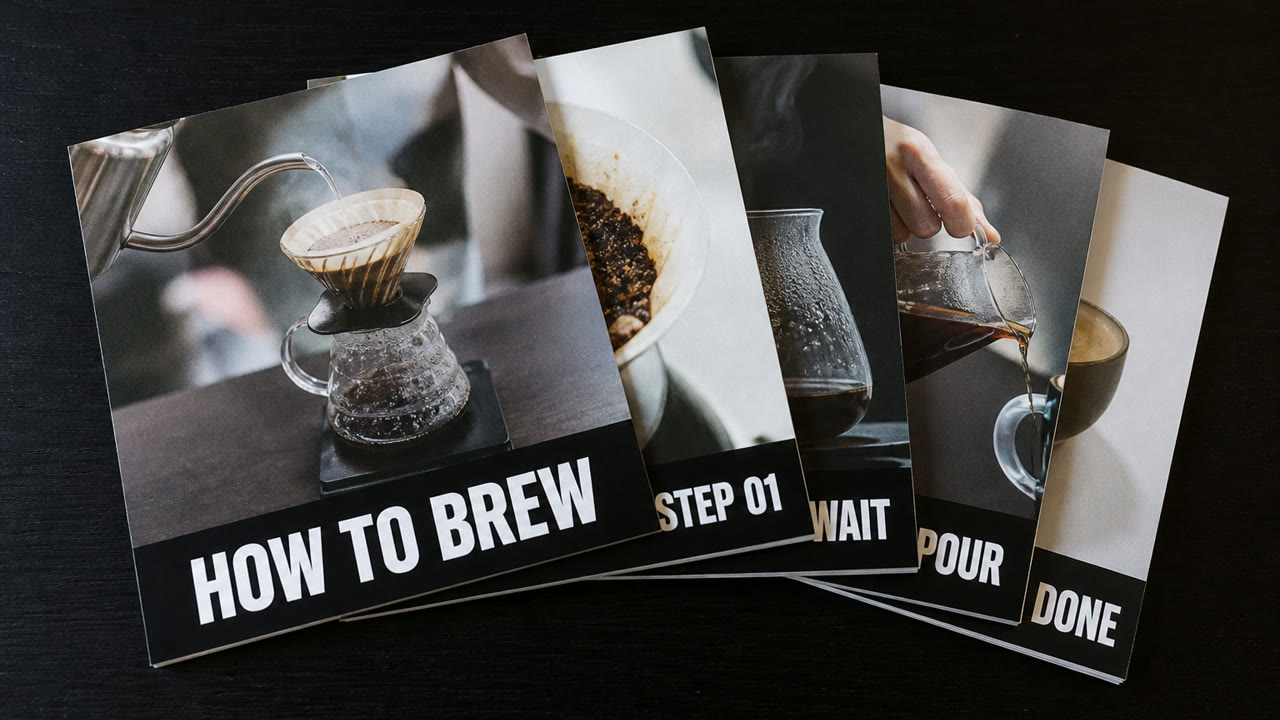
Beginner path Google can quote

  1. Pick Meta or Google - not both on day one
  2. Finish account setup and install the pixel or tag
  3. Choose one campaign objective and one conversion event
  4. Point traffic at one landing page that matches the offer
  5. Upload honest creative (product UI or real footage)
  6. Set a small daily budget you can lose while learning
  7. Review cost to the conversion, then scale, pause, or rewrite

Clippable covers the creative production on step 5. Media buy, billing, and audience choices stay in Meta or Google. We do not auto-spend.

Make one ad free

No card required for your first ad. Then start a 3-day trial if you want to keep going.

Creative for the upload step

Catalog captures, not performance case studies. Use them as a picture of the creative step, not proof that ads will convert.

  • How to run ads: on-brand static creative from Clippable for Meta or Google
    Static ads ready to upload once your account and goal are set.
  • How to run ads: carousel ad creative from Clippable
    Carousel creative for multi-card Meta placements.
  • How to run ads: app screenshot creative from Clippable
    App-framed stills when the product is the proof.

Questions people actually search

Pick one platform (Meta or Google), one goal, one landing page, and one conversion event. Upload honest creative, set a small daily budget you can lose, and review results after enough spend to learn - not after one day.

Meta when you have a visual offer and a clear audience. Google when people already search for the problem you solve. Many beginners start with one Meta campaign and one Search campaign only after the page converts organic or warm traffic.

Enough to get a signal without betting the company. A small daily cap you can afford for two weeks beats a large day-one spend. We do not prescribe a magic number - your offer and market set the floor.

No. Clippable helps with on-brand creative. You connect and spend inside Meta Ads Manager or Google Ads. We do not auto-spend, auto-publish, or choose audiences for you.

Real product screenshots or footage, one clear hook, and a destination that matches the ad. Invented lifestyle stock is a weak first test. Clippable’s Make ads flow is built for that first honest still.

Make one ad free

No card required for your first ad. Then start a 3-day trial if you want to keep going.