Website to ad generator
Create ads for my website usually means: take what is already on the site and turn it into paid creative. Clippable’s website to ad generator workflow does that by importing or researching brand context, then generating ads you review. It is not one-click URL extraction into finished ads. Production does not support that shortcut.
No card required for your first ad. Then start a 3-day trial if you want to keep going.
Proof of the workspace, not a URL magic trick
These are real Clippable catalog outputs. None of them claim that pasting a link skipped Brand Kit.
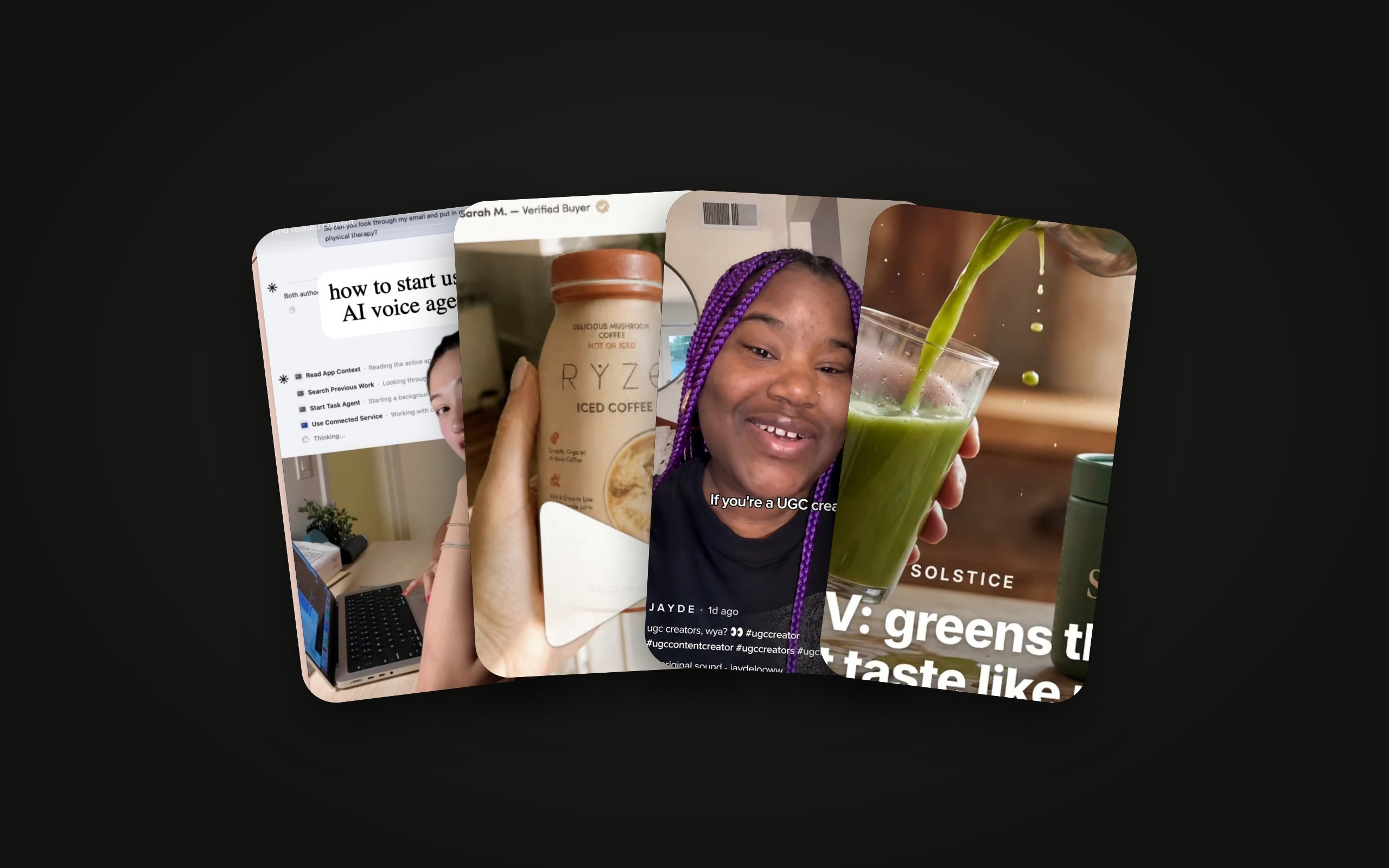
Brand-context social still, the kind of output that follows a kit, not a random prompt. 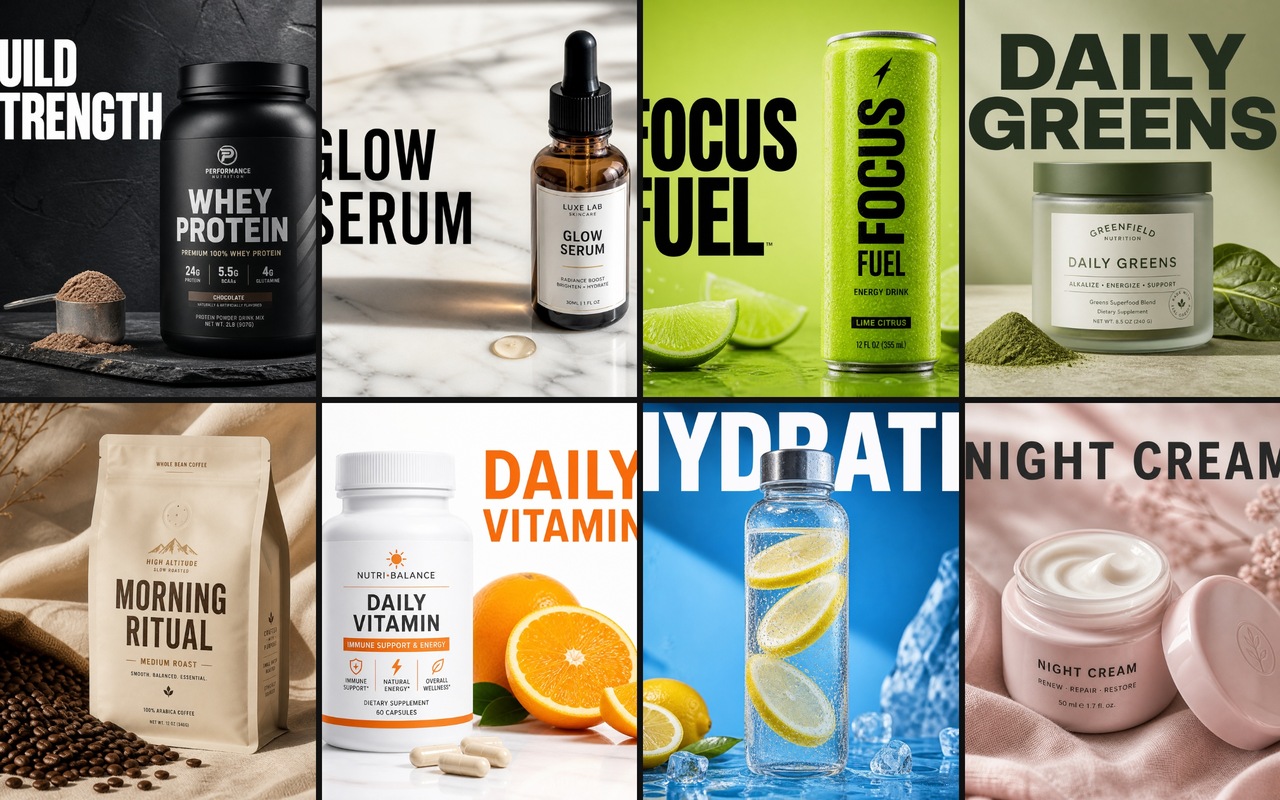
Static ads after the kit exists. The URL does not skip this step. Steal competitor adsinside of Clippy
What are Glossier's top ads right now?


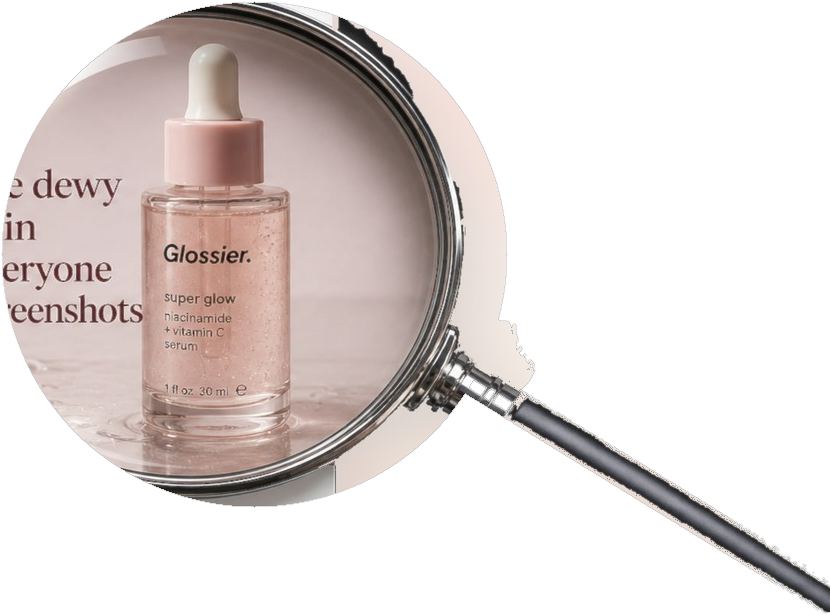
Ad research chrome when you want to study patterns, separate from generating your own ads. 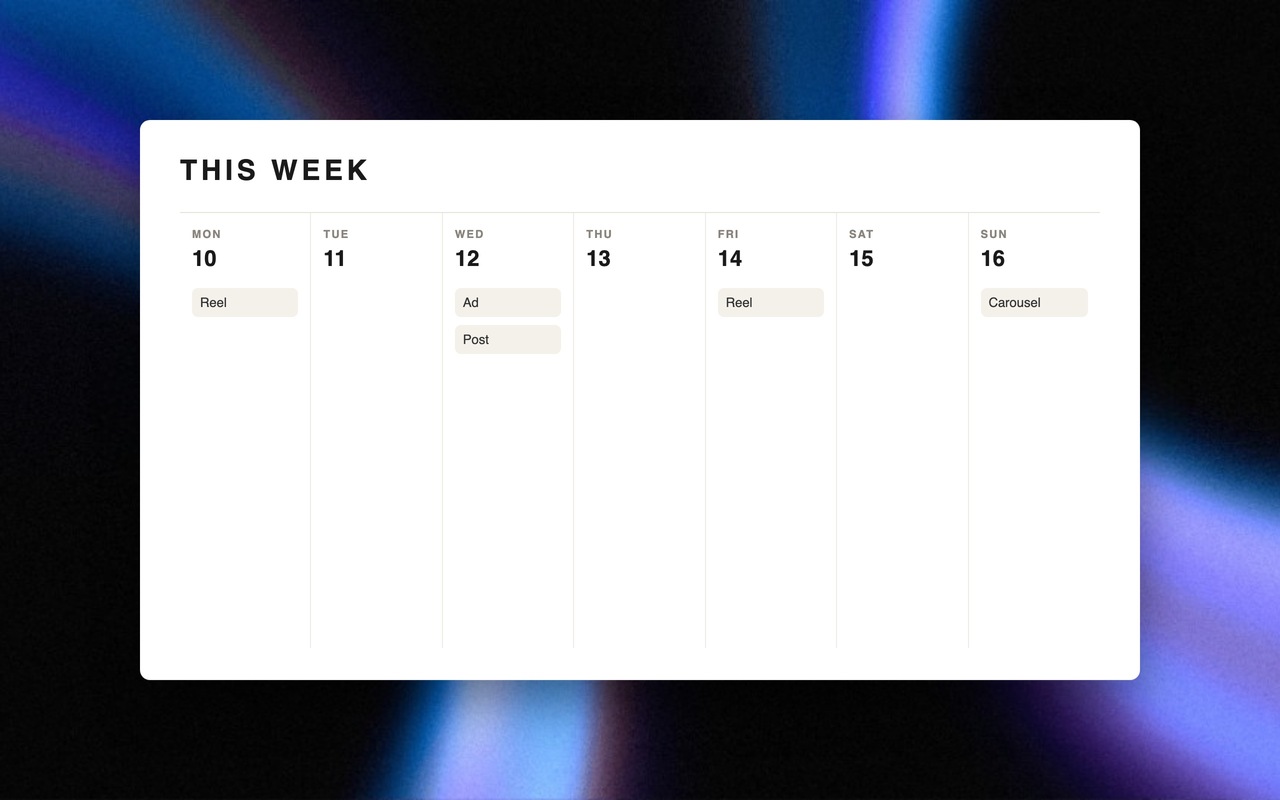
A weekly plan still. Ads and organic should not be invented as unrelated streams.
The honest website → ad path
1 · Give Clippable a site
Onboarding can ask for a website. Brand Kit can ingest or research that URL to draft voice, colors, and positioning from public pages. Login walls, empty homepages, and blocked crawlers fail quietly. They do not hallucinate a storefront.
2 · Correct the kit
Research is a draft. Prices, guarantees, and product names that are not on the page have to be typed by you. Brand kit beats a scrape when the two disagree.
3 · Choose a format and generate
Static, carousel, or video. Ingest is grounding only. You still pick the ad format and approve the result. For the wider site marketing loop, see how to market a website.
When a website is the wrong starting point
If you ship an iOS or Android app, start with screenshots on the AI ad generator for apps. If you already know you want an AI ad maker and have assets in hand, go to the Create AI ads. A URL is useful context, not a substitute for an offer.